
Quiz-ready structure
Turn one topic into a hook, question sequence, timer moments, answer reveals, and a final score prompt.
Describe a topic, audience, or difficulty level. Clipwise turns it into a quiz short with questions, answer reveals, voiceover, captions, and scroll-stopping pacing.
Use it for trivia challenges, guess-the-country clips, movie quizzes, brain teasers, classroom reviews, and comment-bait score prompts.
Start with a quiz topic and difficulty level, review the generated question flow, tune the countdowns and answer reveals by chat, and export a vertical quiz short.
Quiz videos need tight questions, clear reveals, readable captions, and enough tension to make viewers answer before they scroll.
Turn one topic into a hook, question sequence, timer moments, answer reveals, and a final score prompt.
Add narration that reads questions, builds suspense, and reveals answers without recording your own audio.
Reuse the same quiz concept across languages for different audiences and regions.
Generate quiz scripts, supporting visuals, voices, captions, and assets inside one workflow.
Ask for easier questions, trickier clues, shorter timers, clearer reveals, or a stronger final CTA.
Use music and sound effects to make countdowns, correct answers, and score reveals feel more engaging.
Real reviews from short-form creators growing faceless channels.

"The voiceover is on point, the effects are awesome, everything is just perfect — even the background music chosen by Clipwise AI is simply amazing!"

"How to make viral faceless YouTube Shorts with AI."
"How to create faceless videos in minutes — Clipwise review."
"How to create viral monetizable YouTube Shorts with this new AI video generator."
"Clipwise AI has revolutionized the way I create content. The ease of use and the quality of the output are unmatched."


"It handles everything end-to-end — script writing, image generation, humanlike voiceovers, and overlays — eliminating manual editing."
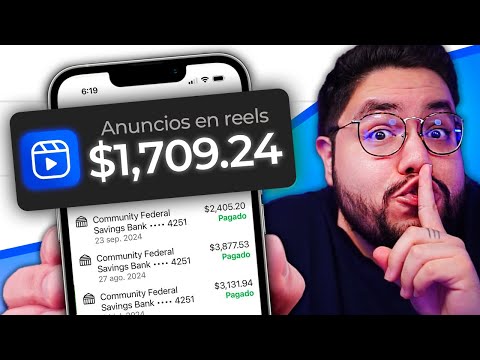
"Honestly, I'm really surprised by the quality of the videos — it even has transition effects and sound, everything included."

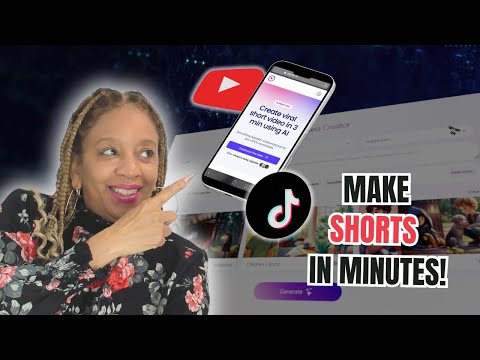
"Start making money with Clipwise AI today — no experience needed."
Create quiz videos with captions, voiceover, and social-ready pacing.
Create game quiz videos with captions, voiceover, and social-ready pacing.
Create squid game edit videos with captions, voiceover, and social-ready pacing.
Create reel videos with captions, voiceover, and social-ready pacing.
Turn static frames into moving clips with a motion prompt.
Turn narration or a spoken idea into a captioned short.
Add readable subtitles for TikTok, Reels, and Shorts retention.
Build text-led hooks for stories, lessons, twists, and reveals.
Generate short-form captions that keep each beat easy to follow.
Repurpose articles into structured social video scripts.
Create music-led visuals with lyrics, pacing, and captions.
Turn a text hook into a punchy promo video format.
It turns a quiz topic into a short video with questions, answer reveals, voiceover, captions, visuals, and pacing.
Yes. You can create faceless quiz videos from a prompt, including script, narration, captions, visuals, and export.
Use a specific topic, audience, difficulty, number of questions, answer format, and reveal style.
Yes. The workflow is designed for vertical short-form quiz videos with quick questions and readable captions.
Yes. Describe the timer length, answer choices, reveal style, and final score prompt you want.
Yes. Use it for classroom reviews, training clips, language learning, general knowledge, and topic-based quizzes.
Start with a topic, choose the difficulty, and turn it into a short quiz viewers can answer before the reveal.
Create my video →